
Wi-Fi for IPTV: Mesh, Repeater, Powerline or Cable?
The router is in the hallway, the TV in the living room and the picture stutters. We compare mesh, repeaters, powerline and LAN cable for stable IPTV.
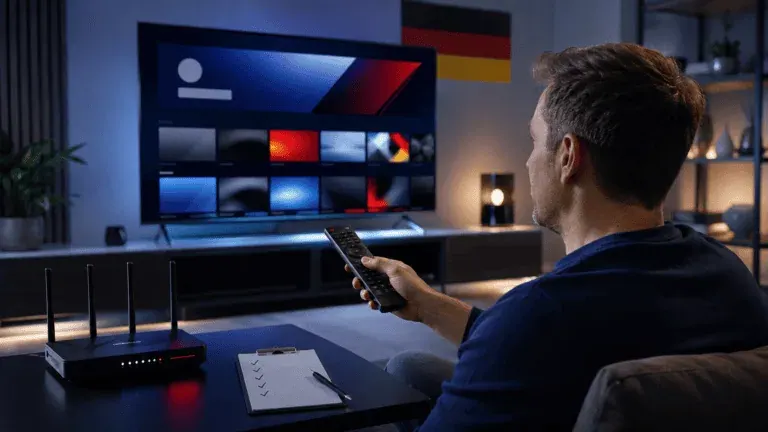
Good Wi-Fi for IPTV matters more than most people think. It is one of the most common problems of all: the router sits where the technician installed the connection – in the hallway, the study or the basement. The TV is in the living room, two walls away. Wi-Fi is fine for browsing, but for IPTV it is not quite enough, and the picture stutters on match night. Here are the four ways to fix it, compared honestly.
Why Wi-Fi at the TV is so often weak
Wi-Fi signals are weakened by walls, ceilings, underfloor heating, mirrors and large furniture. In older German buildings (Altbau) with thick walls, often only a fraction of the router’s speed reaches the TV. IPTV feels this particularly, because a video stream needs data evenly. Even short drops cause the picture to freeze.
The four options
LAN cable
Clearly the most reliable option. A flat network cable can often be run discreetly along the skirting board. No wireless device in the world is as stable as a cable.
Repeater
A repeater picks up the Wi-Fi and sends it on. It is cheap and quick to set up. The catch: simple repeaters often halve the speed because they receive and send at the same time.
Mesh system
Several access points form one shared network, and devices switch automatically to the best one. Mesh costs more but performs much better than a simple repeater – ideal for larger flats and houses.
Powerline
Powerline adapters use the electrical wiring to carry data. One adapter goes next to the router, one next to the TV. It can work very well, but depends heavily on the building’s wiring.
Wi-Fi for IPTV: the comparison at a glance
| Solution | Stability for IPTV | Effort | Cost |
|---|---|---|---|
| LAN cable | Very high | Laying the cable | Low |
| Mesh | High | Low | Medium to high |
| Powerline | Medium to high | Low | Medium |
| Repeater | Low to medium | Low | Low |
How to find the right solution
- Measure the speed directly at the TV, ideally in the evening.
- Check whether a cable is possible – it is almost always the best solution.
- As a test, place the router more openly and higher up.
- If that is not enough, try powerline if router and TV are on the same circuit.
- For large homes or several floors, mesh is the solid choice.
Tips that cost nothing
- Use the 5 GHz Wi-Fi at the TV instead of 2.4 GHz.
- Do not put the router behind the TV or inside a cupboard.
- Restart the router once a week.
- Pause large downloads during a live match.
How to measure Wi-Fi for IPTV properly
Before you spend money on mesh, repeaters or powerline, find out where exactly the problem is. Measure the speed twice: once right next to the router and once where the TV is. If the speed is good at the router and poor at the TV, the problem is the Wi-Fi. If it is already poor at the router, the issue lies with your internet connection – and new Wi-Fi hardware will not help. A good tool is Speedtest by Ookla; how much speed IPTV needs is explained on IPTV internet speed.
Also measure at the time you normally watch. Networks are busier in the evening, and your own family is online too.

Mesh in detail
A mesh system consists of a main unit at the router and one or more satellites. The units coordinate with each other and share the load. For Wi-Fi for IPTV this has two advantages: the TV always gets the strongest signal, and there is only one network name. When buying, make sure the system supports a dedicated backhaul band or a cable connection between units.
A practical tip: do not place the satellite right next to the TV, but roughly halfway between the router and the living room. It needs a good signal from the router itself.
Powerline in detail
Powerline uses the electrical wiring in your home. You plug one adapter into the socket next to the router and connect it with a cable. A second adapter goes into a socket near the TV. When it works well, the TV gets an almost cable-like connection.
- Plug the adapters directly into the wall socket, not into a power strip.
- Router and TV should ideally be on the same circuit.
- Devices with motors or power supplies nearby can interfere.
Repeaters: when they still make sense
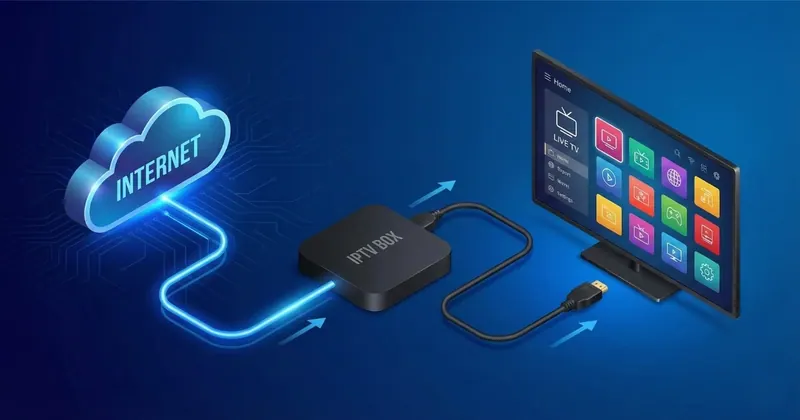
Simple repeaters have a bad reputation, but they are not useless. For one HD stream in a small flat, a modern repeater can be enough, especially on the 5 GHz band. For 4K or live sport in a large old building, it is rarely sufficient.
A cable without drilling holes
Many people shy away from a LAN cable because they imagine drilling. But there are flat network cables that barely show under rugs and along skirting boards, and stick-on cable channels can be removed without a trace when you move out. For tenants, that is often the easiest route to a stable picture.
Our verdict on Wi-Fi for IPTV
If at all possible, use a cable. If not, mesh is the most reliable wireless solution, powerline a good alternative with a bit of luck involved, and a simple repeater only a stopgap. If the picture still stutters, our guide to fixing IPTV buffering covers the remaining causes – or message us on WhatsApp and we will look at it with you.
More articles

Football Night with Friends: How to Prepare Your TV and Living Room
Friends invited, snacks ready – and then the picture freezes? With this preparation, your football night with friends runs smoothly on the technical side.

Using IPTV When Travelling: Holiday Homes, Hotels and Campervans
IPTV when travelling: how to take your TV with you to a holiday flat, a hotel or a campervan – with tips on devices, internet, hotel Wi-Fi and mobile data.
Renew Your IPTV Subscription: The Checklist So Nothing Stops
Is your IPTV plan about to end? With this checklist you renew your IPTV subscription in time, keep your settings and avoid a black screen.