
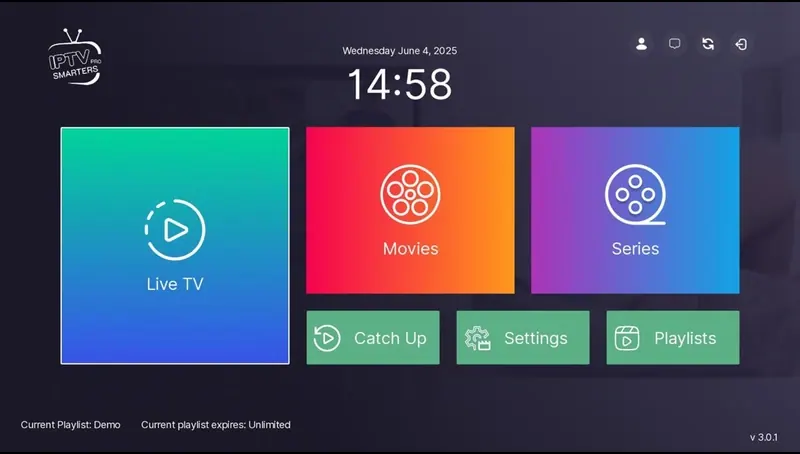
IPTV Smarters Pro: Installation, Login and the Best Settings
IPTV Smarters Pro is one of the best-known IPTV players. Here is which devices it runs on, how to log in with Xtream Codes and which settings make the picture more stable.
IPTV Smarters Pro
IPTV Smarters Pro: the easy way in
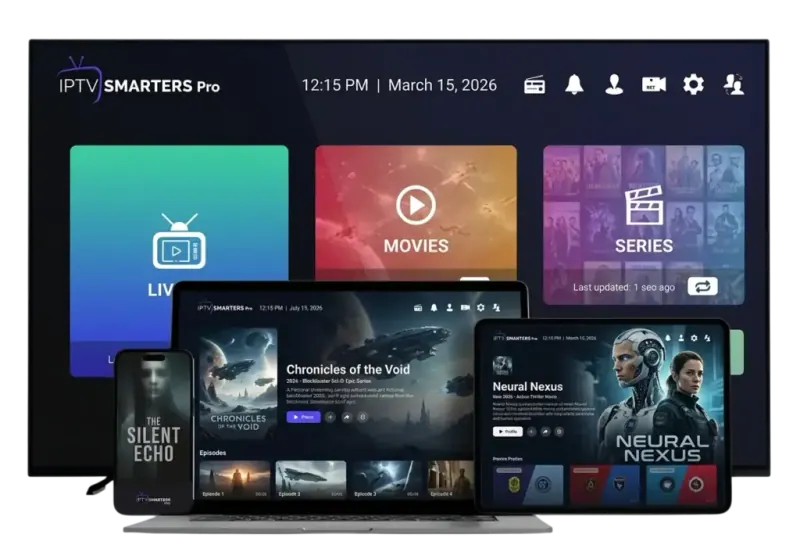
IPTV Smarters Pro is one of the best-known IPTV players: clear, available on many devices and quick to set up. Ideal if IPTV is new to you.
- For Android, Fire TV, iOS and more
- Login with Xtream Codes or an M3U link
- Live TV, films, series and EPG in one app
Step by step
Setting up IPTV Smarters Pro with Xtream Codes
How to sign in with your login details.
Install and open the app
Install IPTV Smarters Pro on your device and open it. Accept the terms on first launch.Choose the login type
Select “Login with Xtream Codes API”. This option loads categories, channel logos and programme data automatically.Enter your details
Type any name (e.g. “Deutsche IPTV 4K”), then the username, password and server URL from our message – including “http://” and the port if one is given.Add the user
Tap “Add User”. The app now loads live TV, movies, series and the programme guide, which can take a moment the first time.Load the programme guide
Open Live TV and wait for the EPG to load, or refresh it from the menu. Done – IPTV Smarters Pro is set up.
Settings
Recommended settings in IPTV Smarters Pro
| Setting | Recommendation |
|---|---|
| Player | Built-in player (switch decoder if problems) |
| Buffer size | Medium – increase if it stutters |
| EPG | Refresh once after logging in |
| Time format | 24-hour |
Troubleshooting
IPTV Smarters Pro: common problems
Login fails
Enter the server URL including the port and without a trailing slash.
Empty EPG
Choose “Refresh EPG” in the settings and wait a moment.
Buffering
Switch decoder and raise the buffer – see fixing buffering.
Need more features?
For a better guide, try TiviMate.
Keep reading
More guides
Questions & answers
Questions about IPTV Smarters Pro
Is IPTV Smarters Pro free?
The app is free in many stores. Some versions offer paid extras from the developer. The app contains no content – that comes through your login.
Which login type should I choose in IPTV Smarters Pro?
“Login with Xtream Codes API”. Categories, logos and programme data then load automatically.
Is there IPTV Smarters Pro for iPhone?
On iPhone, iPad and Apple TV the developer offers the app under the name “Smarters Player Lite”.
Why does Multi-Screen not work?
Multi-screen needs several simultaneous connections. Our plans are designed for one stream at a time.
How do I fix wrong times in the guide?
Use “EPG Time Shift” in the settings to move the times by the right number of hours.
Stuck somewhere?
Smarters set up in five minutes
We send your login and help you sign in on WhatsApp.