
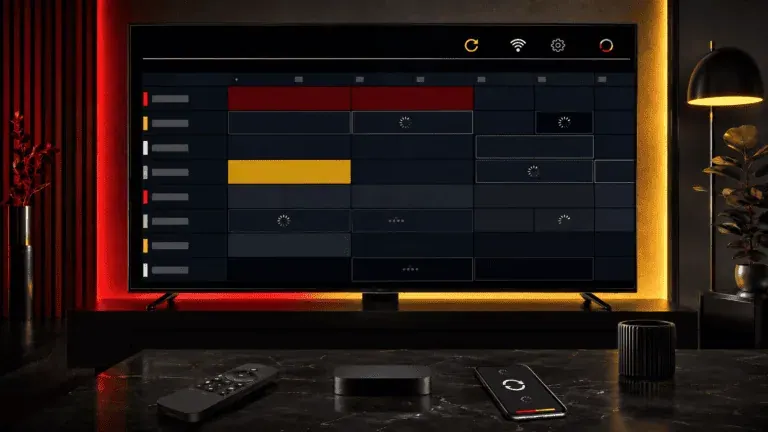
IPTV EPG: Setting Up the Programme Guide and Fixing Problems
With the IPTV EPG you can see at a glance what is on now and what comes next. Here is how to switch on the electronic programme guide in your app – and how to fix missing data or wrong times.
IPTV EPG
IPTV EPG: your programme guide
EPG stands for “Electronic Program Guide” – the TV listings on your screen. An IPTV EPG shows what is on now and what comes next.
- Title, time and description
- Included automatically with Xtream Codes
- With M3U, via a separate EPG link
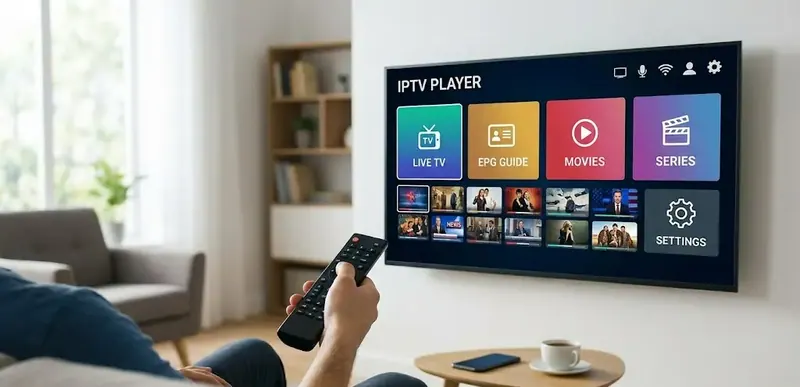
Step by step
Switching on the IPTV EPG, step by step
Menu names vary slightly between apps.
Log in with Xtream Codes
Use the Xtream Codes login where possible – in most apps the programme guide then comes included.Open the EPG settings
In IPTV Smarters Pro the options are in Settings; in TiviMate under Settings → EPG.Check or add the source
For M3U playlists, add the EPG address as a source if it is missing.Refresh
Start loading the programme data manually. The first time can take a little while.Check the time
Compare a programme that is on now with the listing. If the time is off, adjust the time offset. Done – your IPTV EPG is set up.
Troubleshooting
IPTV EPG not showing?
Refresh the EPG
Reload it manually in the app settings and wait a few minutes.
Wrong times
Set the app’s time zone to Europe/Berlin or adjust the time offset.
Some channels without EPG
Not every channel provides programme data – that is normal.
Better layout
TiviMate shows the EPG most clearly.
Questions & answers
Questions about IPTV EPG
What is an IPTV EPG?
The electronic programme guide shows in your app what is on which channel and what comes next.
Do I need to set up the EPG separately?
With Xtream Codes, usually not. With M3U playlists you may need to add an EPG address in the app.
Why are the times in the guide wrong?
Usually the device’s time zone or the app’s time offset is set incorrectly. Check both.
How often does the EPG update?
That depends on the app. Turn on automatic updates at start-up or once a day.
Why do some channels have no programme data?
There may be no data for those channels, or the matching does not fit. Let us know about important channels on WhatsApp.
Still have a question?
Guide still empty?
Tell us your app and device – we will set up the EPG with you.