
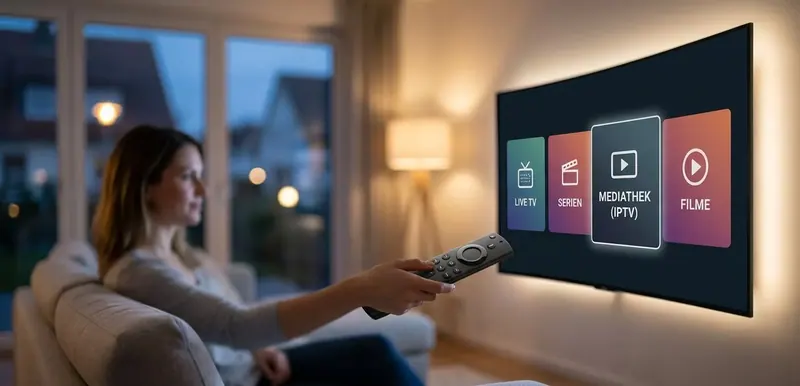
IPTV Germany · up to 4K
IPTV Germany – Premium 4K IPTV for All Your Devices
Modern IPTV for live TV, entertainment and streaming on compatible devices – with setup help in English, right on WhatsApp.
- Pay once, no contract
- Help on WhatsApp
- HD and 4K where available
Why Deutsche IPTV 4K
TV that fits the way you live
Deutsche IPTV 4K brings IPTV Germany to the devices you already own: live TV, films and series in one app – over your own internet line, with no dish and no cable socket.
- Fixed prices: pay once for 3, 6, 12 or 24 months.
- No trap: nothing renews automatically.
- Real help: questions answered directly on WhatsApp, in English.
- Up to 4K/UHD: whenever the content is offered in that resolution.
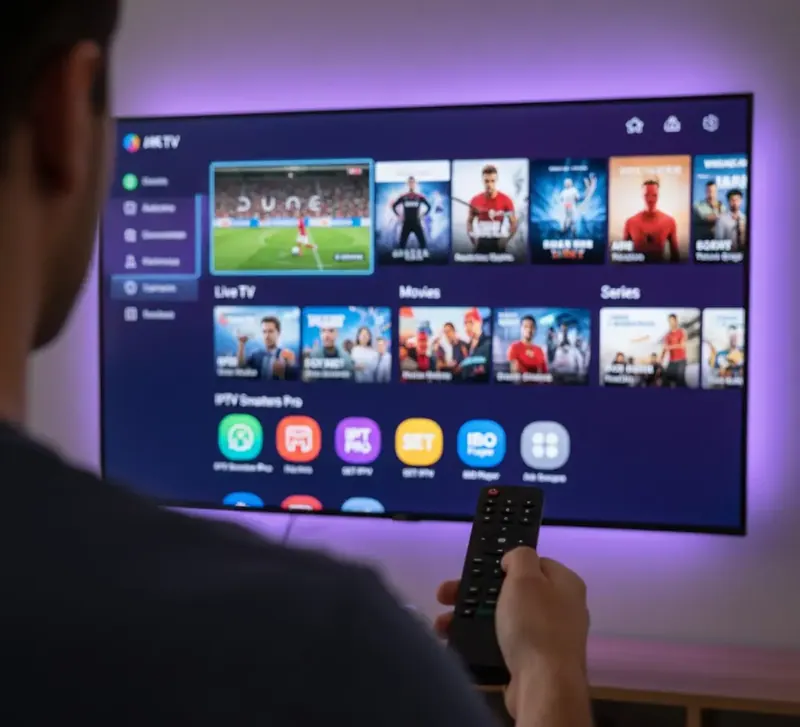
Your benefits
An IPTV service that simply works
What IPTV Germany looks like with us – six things you can rely on every day.
4K / UHD
Plenty of content in Full HD and, where available, in 4K. On a modern TV you see the difference straight away.
Quick setup
With an M3U link or Xtream Codes, most apps are ready in a few minutes.
Help on WhatsApp
A real person answers – before you buy, during setup and afterwards.
Programme guide
The EPG shows what is on now and what comes next.
Free choice of app
IPTV Smarters Pro, TiviMate, IBO Player or Smart IPTV – your call.
All your screens
Smart TV, Fire TV Stick, Android TV, Apple TV, phone and tablet.
Our plans
Choose your IPTV subscription
Every IPTV Germany plan includes the same service. Pay once – the longer the plan, the cheaper each month.
Deutsche IPTV 4K 3 months
3 months
30 €one-off
10 € per month
- Full service included
- HD and 4K/UHD where available
- EPG programme guide
- Works with all compatible devices and apps
- Use on 1 device at a time
- Setup help on WhatsApp
Deutsche IPTV 4K 6 months
6 months
45 €one-off
7.50 € per month
- Full service included
- HD and 4K/UHD where available
- EPG programme guide
- Works with all compatible devices and apps
- Use on 1 device at a time
- Setup help on WhatsApp
Most popular
Deutsche IPTV 4K 12 months
12 months
60 €one-off
5 € per month
- Full service included
- HD and 4K/UHD where available
- EPG programme guide
- Works with all compatible devices and apps
- Use on 1 device at a time
- Setup help on WhatsApp
Deutsche IPTV 4K 24 months
24 months
100 €one-off
4.17 € per month
- Full service included
- HD and 4K/UHD where available
- EPG programme guide
- Works with all compatible devices and apps
- Use on 1 device at a time
- Setup help on WhatsApp
Tap “Order on WhatsApp”: the message is pre-filled. See all prices and plan details
All devices
Works with your devices
Your login works with the common apps on almost any screen. Every device has its own step-by-step guide.
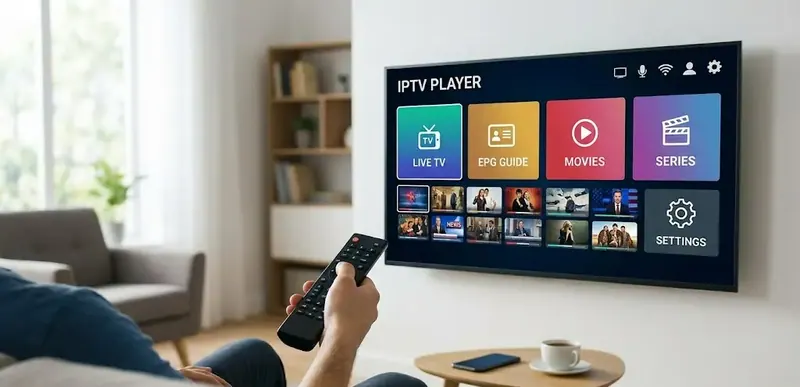
Quick & simple
How it works
No complicated installation: from ordering to your first channel usually takes just a few minutes.
Choose a plan
3, 6, 12 or 24 months – whatever suits you.Order on WhatsApp
The message with your plan is already filled in.Receive your login
After payment you get an M3U link and Xtream Codes on WhatsApp or by email.Install the app and watch
Our guide on how to install IPTV covers every step.
IPTV apps
Works with well-known apps
Our guides refer to apps from their own developers – we are not affiliated with any of them.

IPTV Smarters Pro
Simple and available on almost every platform.
TiviMate
A TV-style guide for Android TV and Fire TV.
IBO Player
Popular on Samsung and LG TVs.
Smart IPTV
A lean app for live TV on smart TVs.
Technology
How much internet does 4K IPTV need?
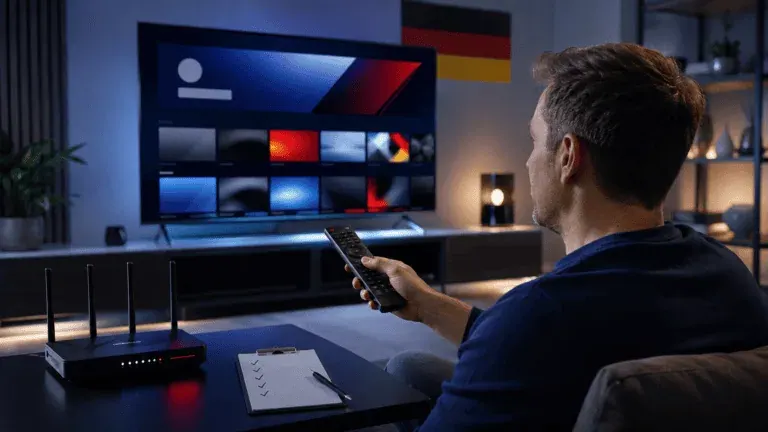
A stable connection is what counts. These guide values per stream work well in practice:
Tip: use a LAN cable or 5 GHz Wi-Fi. Test your line for free with the Bundesnetzagentur broadband test. More on IPTV internet speed.
Good to know
IPTV Germany day to day
A good IPTV experience rarely comes down to one number – it is the small things that count.
Stability beats channel counts
Huge numbers do not help on match night if the picture freezes. We skip fantasy figures and explain openly how your own setup affects quality.
The right device
A Fire TV Stick 4K Max is often faster than the apps on an older TV. What to look for is on IPTV provider Germany.
Austria and Switzerland too
Telekom, Vodafone, O2, 1&1, A1, Magenta, Swisscom or Sunrise: the service is not tied to any internet provider.
Help when something goes wrong
If the picture stutters, Wi-Fi is the usual culprit. Our guide to fixing IPTV buffering helps – or message us on WhatsApp.
Questions & answers
Frequently asked questions about IPTV Germany
How much does IPTV from Deutsche IPTV 4K cost?
Which devices does IPTV Germany work on?
How fast does my internet need to be?
How do I receive my login details?
Which app should I use?
Does my plan renew automatically?
Is everything available in 4K?
What can I do if the picture keeps buffering?
Can I use the service outside Germany?
Still have a question?
Let’s talk about your IPTV subscription
We reply personally on WhatsApp, recommend the right app for your device and stay with you until the first channel plays.