
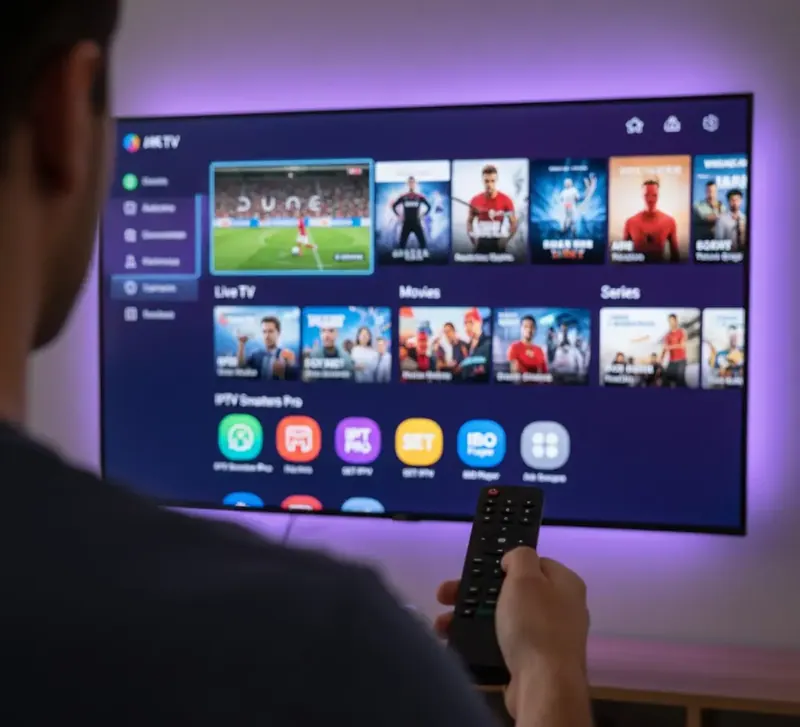
IBO Player: Activation, Playlist Upload and Setup
IBO Player is especially common on Samsung and LG smart TVs. Here is how the MAC address and device key work, how to upload your playlist – and what you should know about activation.
IBO Player
IBO Player: IPTV right on your smart TV
IBO Player runs on Samsung, LG, Android TV and Fire TV. It works with your device’s MAC address: you upload your playlist on the developer’s website and the TV fetches it from there.
- For Samsung (Tizen), LG (webOS), Android TV and Fire TV
- Playlist upload on the developer’s website
- Trial period, then a one-off activation with the developer
Step by step
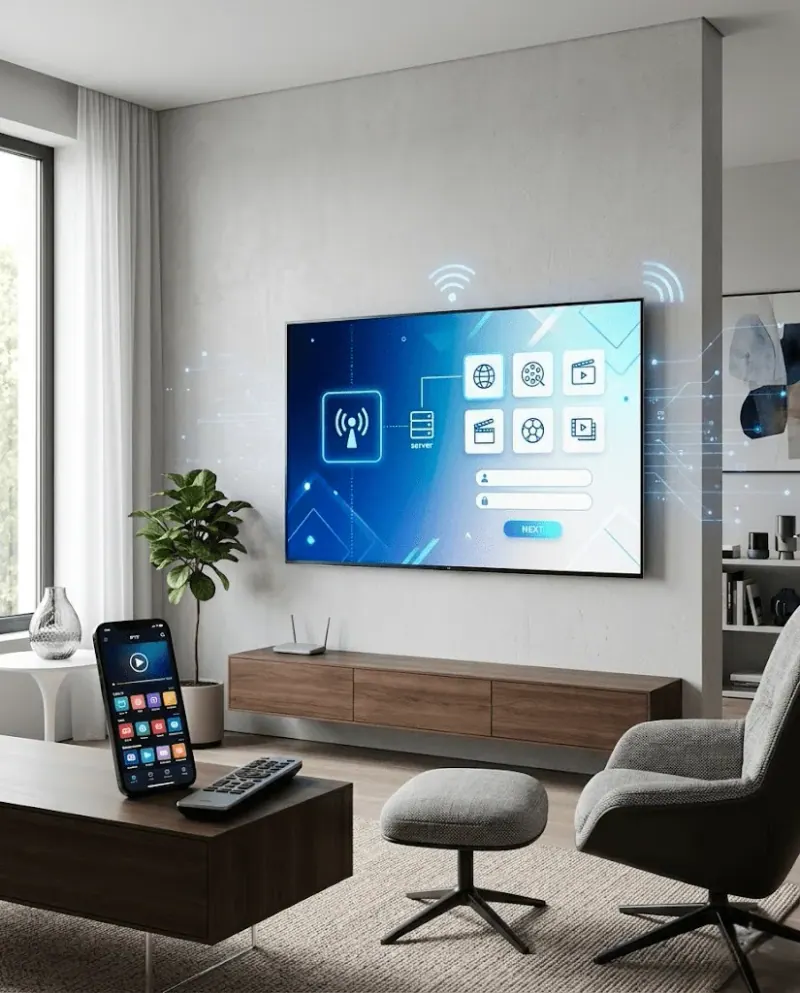
Setting up IBO Player – uploading your playlist
Have your phone or computer to hand.
Install and open the app
Install IBO Player from your TV’s or device’s app store and launch it. Note the MAC address and device key on the start screen.Open the developer’s website
On your phone or computer, open the IBO Player website and go to the playlist management or “Login” section.Sign in with the MAC address
Enter the MAC address and device key exactly as shown in the app, including the colons and upper/lower case.Add your playlist
Choose “Add playlist”, give it a name and paste our M3U link – or, if offered, use the Xtream Codes fields with server URL, username and password. Save.Restart the app
Close the app on the TV completely and open it again. Your playlist loads – IBO Player is set up.
Troubleshooting
IBO Player: common problems
“Playlist not found”
Enter the MAC address and device key exactly as shown in the app.
Trial expired
You buy the activation from the app developer – that fee does not go to us.
New device
Each device has its own MAC address and needs its own activation.
Missing EPG
Restart the app after uploading. More on IPTV EPG.
Keep reading
More guides
Questions & answers
Questions about IBO Player
Is IBO Player free?
Where do I find the MAC address for IBO Player?
Why can I not see my playlist?
Do I need to activate again on a new TV?
Does IBO Player support Xtream Codes?
Stuck somewhere?
Help with IBO Player
Send us your MAC address and device – we will explain the upload step by step.