
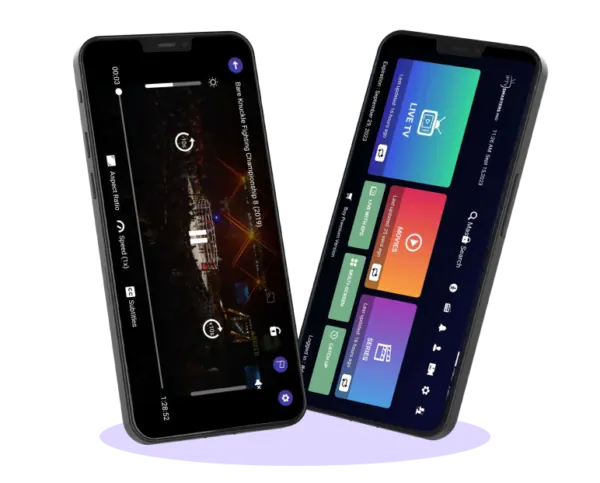
IPTV on Android TV: Setup on Android TV, Google TV and Android Boxes
IPTV on Android TV gives you the widest choice of apps: TiviMate, IPTV Smarters Pro and IBO Player come straight from the Google Play Store. Here is how to set it all up in minutes.
IPTV on Android TV
IPTV on Android TV: free choice from the Play Store
Android TV and Google TV are the most flexible platform for IPTV: TVs from Sony, Philips, TCL or Hisense, boxes such as the Nvidia Shield and Chromecast with Google TV. The apps come straight from the Google Play Store.
- TV or box with Android TV / Google TV
- A Google account for the Play Store
- Many devices have a LAN port
Step by step
How to install IPTV on Android TV
Menus differ slightly between Android TV and Google TV.
Update your device
Go to Settings → Device Preferences → About → System Update and install any updates. Update your apps in the Play Store too.Find an IPTV app in the Play Store
Open the Google Play Store (on Google TV via the “Apps” tab) and search for “TiviMate”, “IPTV Smarters Pro” or “IBO Player”.Install and open the app
Select “Install”, then open the app from the store or your home screen.Add your playlist
In the app, choose “Add playlist” and then “Xtream Codes”. Enter the server URL, username and password. With IBO Player, upload the playlist on the app developer’s website instead.Set up the EPG and favourites
Let the programme guide load and add your favourites. IPTV on Android TV is now ready.
Troubleshooting
IPTV on Android TV: tips and fixes
The right app
TiviMate is the top pick on Android TV, IPTV Smarters Pro an easy alternative.
Storage full
Budget boxes have little storage. Clear the cache and remove old apps.
Picture stutters
Use a LAN cable – see fixing buffering.
Wrong aspect ratio
Change the aspect ratio setting or the decoder in the app.
Keep reading
More guides
Questions & answers
Questions about IPTV on Android TV
What is the difference between Android TV and Google TV?
Which app is best for IPTV on Android TV?
Will a cheap Android box work?
Can I watch IPTV on Android TV in 4K?
Do I need a Google account?
Stuck somewhere?
Android TV set up – with our help
Tell us your device and we will recommend the right app and help you set it up.