
Xtream Codes IPTV: Login, Benefits and Common Errors
Xtream Codes IPTV is the most convenient way to set up an IPTV app: three details and categories, logos and the programme guide arrive automatically. Here is how the login works.
Xtream Codes IPTV
Xtream Codes IPTV: three details, done
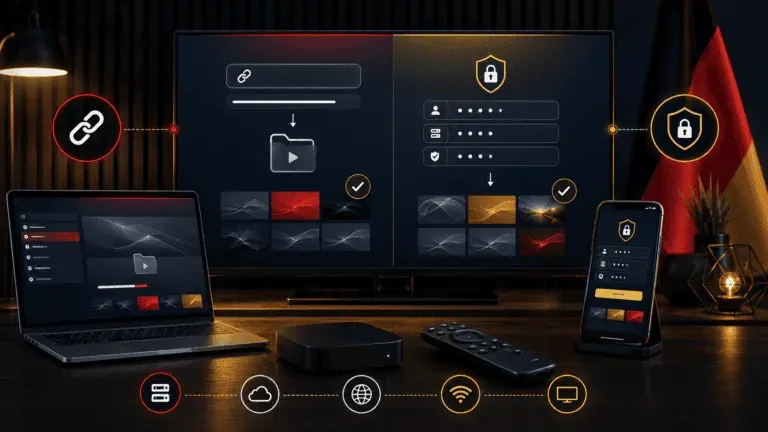
With Xtream Codes IPTV you sign in like an account: server URL, username, password. The app then loads live TV, films, series and the programme guide automatically.
- Categories neatly separated
- EPG loads automatically
- Ideal for IPTV Smarters Pro and TiviMate
Step by step
Setting up Xtream Codes IPTV
This is how the login works in most apps.
Choose the login type
In the app, select “Xtream Codes”, “Xtream Codes API” or “Login with Xtream”.Enter the server address
Enter the full server URL, including “http://” and the port number if there is one.Enter username and password
Type your login exactly. Copying rather than typing is the safest option.Connect
Confirm. The app signs in and loads categories, content and programme data.Check the programme guide
Open the EPG. With Xtream Codes IPTV it usually loads automatically. Done.
Troubleshooting
Xtream Codes IPTV: common mistakes
Wrong server URL
Include http:// and the port, with no trailing slash.
Upper and lower case
Username and password are case-sensitive.
Missing EPG
Choose “Refresh EPG” in the app – see IPTV EPG.
Two devices at once
One device is active at a time – the second shows an error.
Matching apps
Apps for Xtream Codes IPTV

IPTV Smarters Pro
An easy start on many devices.

TiviMate
The best guide on Android TV.

IBO Player
For Samsung and LG smart TVs.

Smart IPTV
The classic – uses M3U.
Questions & answers
Questions about Xtream Codes IPTV
What do I need for Xtream Codes IPTV?
Which apps support Xtream Codes?
Is Xtream Codes better than M3U?
What does “Max connections reached” mean?
Do I have to enter the port number?
Still have a question?
Login not working?
Send us a screenshot of the error – we will help straight away.