
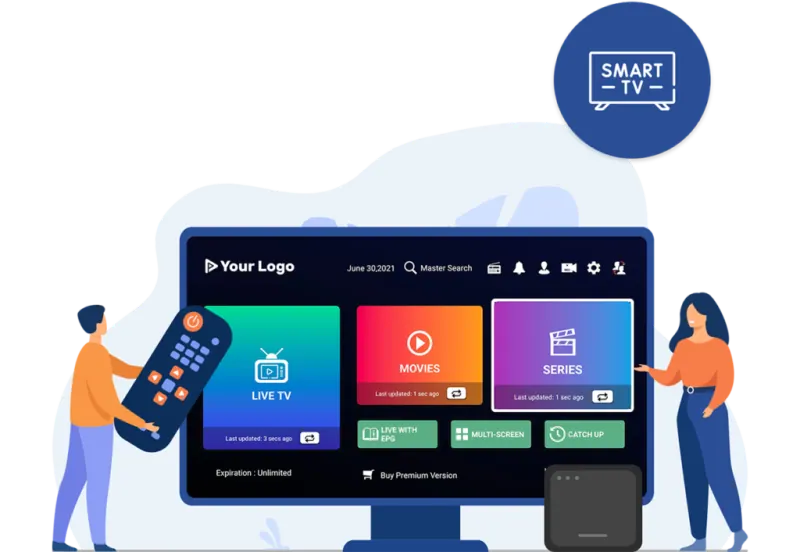
IPTV on Samsung TV: Step-by-Step Installation and Setup
How to set up IPTV on Samsung TV models running Tizen: find a suitable app, enter your login, switch on the programme guide – plus fixes for the most common problems.
IPTV on Samsung TV
IPTV on Samsung TV – right on the TV
Most Samsung smart TVs running Tizen can play IPTV without any extra box. From around 2018 the processor and memory handle smooth HD, and recent models manage 4K too.
- Samsung smart TV with Tizen, ideally 2018 or newer
- Internet via LAN cable or 5 GHz Wi-Fi
- Your login: M3U link or Xtream Codes
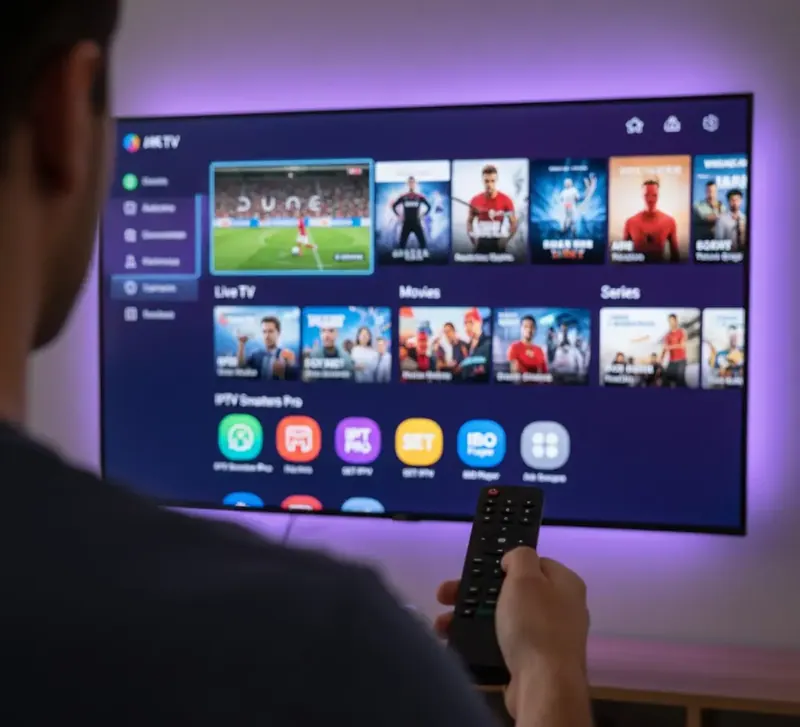
Step by step
How to install IPTV on Samsung TV
Menu names can differ slightly depending on the model year.
Connect the TV to the internet
Go to Settings → General → Network → Open Network Settings. Choose “Wired” if a LAN cable is plugged in, otherwise your Wi-Fi – ideally on the 5 GHz band.Open the apps section
Press the Home button on the remote and select “Apps”. Use the magnifying glass in the top corner to search.Find and install an IPTV app
Search for an IPTV player such as “IBO Player” and select “Install”. Once it is installed, open it straight away.Enter your login
Depending on the app, you either type your details on the TV (Xtream Codes: server URL, username, password) or upload the playlist on the app developer’s website. For that, the app shows a MAC address and a device key.Switch on the guide and add favourites
Load the EPG data in the app settings and mark your most-watched channels as favourites. IPTV on your Samsung TV is now ready.
Model year
Which Samsung TV works?
| Model code | Year | Suitability |
|---|---|---|
| T | 2020 | Good for HD, 4K depends on app |
| AU | 2021 | Good for HD and 4K |
| BU | 2022 | Good for HD and 4K |
| CU and newer | 2023 onwards | Very good |
Older TV? A Fire TV Stick in the HDMI port is the easiest fix.
Troubleshooting
IPTV on Samsung TV: common problems
App not in the store
Availability changes by region and model. Try IBO Player or a Fire TV Stick.
Playlist will not load
Check the MAC address and device key on the app developer’s website, then restart the app.
Picture stutters
Use a LAN cable or 5 GHz Wi-Fi – see fixing buffering.
No programme guide
Reload the EPG in the app settings. Details on IPTV EPG.
Keep reading
More guides
Questions & answers
Questions about IPTV on Samsung TV
Does IPTV on Samsung TV work without an extra device?
Which app should I use on a Samsung TV?
Does the app cost anything?
Can I watch 4K on my Samsung TV?
My Samsung TV is from 2016 – will it work?
Stuck somewhere?
We will set up your Samsung TV with you
Send us your TV’s model code – we will tell you which app fits.