
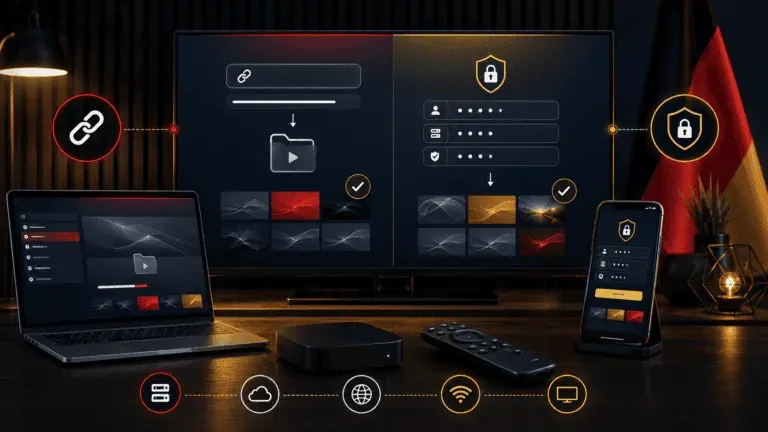
M3U IPTV: What an M3U Playlist Is and How to Use It
M3U IPTV is the simplest way to feed an IPTV app with content. Here is how an M3U playlist is structured, how to add it to your app and what to watch out for.
M3U IPTV
M3U IPTV: your playlist as a link
An M3U file is a simple text list of channel names and stream addresses. With M3U IPTV you get this list as a link that you enter in your app or upload on the app developer’s website.
- One link holds every channel
- Works with almost any IPTV app
- Ideal for IBO Player and Smart IPTV
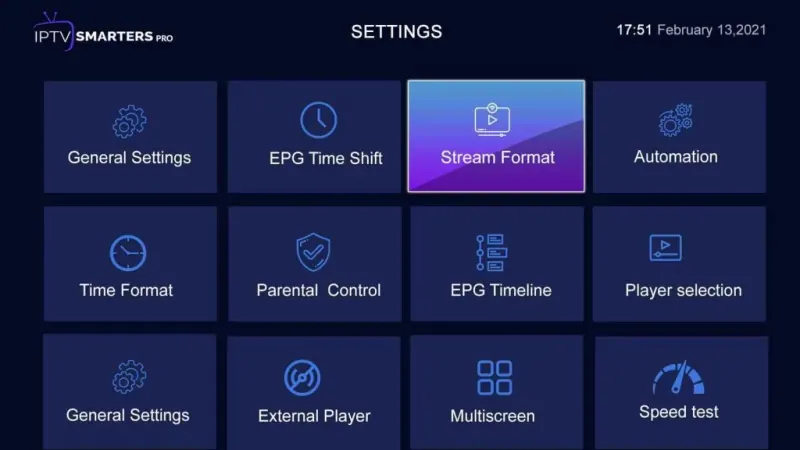
Step by step
Setting up M3U IPTV in an app
The process is the same in almost every app.
Choose the playlist option
In the app, select “Add playlist”, “M3U URL” or “Load your playlist or file/URL”.Paste the link
Paste the full M3U link from our message. The easiest way is to copy it on your phone and use the device’s keyboard feature.Name it
Give the playlist a name, such as “Deutsche IPTV 4K”, and confirm.Add the EPG
If the app does not pick up the programme guide automatically, enter the EPG address in the settings.Load and check
Wait for the list to load and test a few entries. M3U IPTV is now set up.
Comparison
M3U IPTV or Xtream Codes?
| M3U link | Xtream Codes | |
|---|---|---|
| Format | One long link | Server, username, password |
| Films and series | Depends on app | Neatly separated |
| EPG | Separate EPG link | Automatic |
| Best for | IBO Player, Smart IPTV | Smarters, TiviMate |
More on Xtream Codes IPTV.
Troubleshooting
M3U IPTV not working?
Incomplete link
Copy the whole link – no spaces at the start or end.
No EPG
Enter the EPG link separately in the app.
Sharing the link?
Treat it like a password and do not pass it on.
Slow loading
Big lists take time – Xtream Codes often load faster.
Questions & answers
Questions about M3U IPTV
What is an M3U link?
An internet address where your personal playlist can be fetched. The app uses it to load the list of all content.
Is M3U IPTV worse than Xtream Codes?
Not worse, just less convenient. Xtream Codes usually loads categories, logos and the EPG automatically, so we recommend it where your app supports it.
Can I edit an M3U playlist?
Technically yes – it is a text file. For normal use there is no need; favourites and sorting are easier in the app.
Why is there no programme guide with M3U?
Because the EPG address is missing from the playlist or not recognised by the app. Add it in the app settings.
Can I share my M3U link?
Please do not. It contains your personal login, and your plan is for use on one device at a time.
Still have a question?
Help with your M3U link
We help you enter or upload it on WhatsApp.