
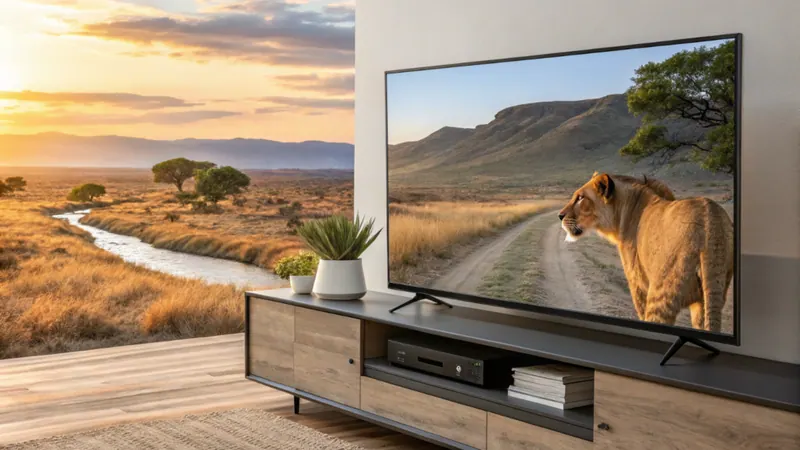
4K IPTV: Ultra HD on Your TV – What You Really Need
4K IPTV puts four times as many pixels on screen as Full HD. Here is which devices, apps and internet speed you need for it – and why not everything is broadcast in 4K.
4K IPTV
What 4K IPTV really means
4K means 3840 × 2160 pixels – four times Full HD. For 4K IPTV to reach your screen, content, device, app and connection must all line up. Details: UHD on Wikipedia.
- Honestly: not everything is 4K
- An HEVC-capable device is needed
- Around 25 Mbit/s per stream
- Visible from about 55 inches
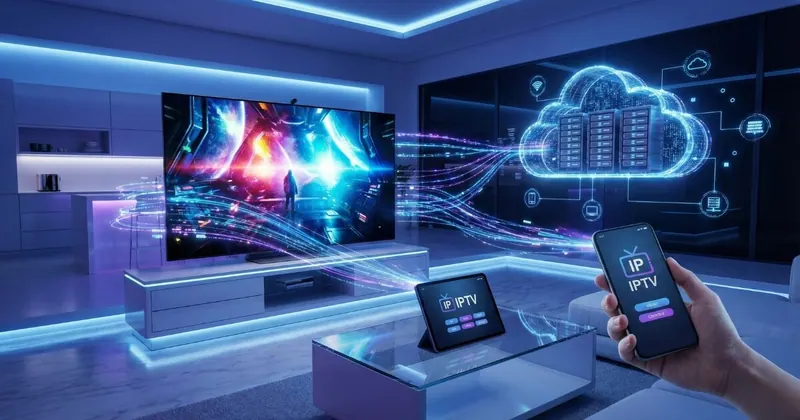
Devices
Devices for 4K IPTV
Fire TV Stick 4K Max
Affordable, fast, huge app choice. Guide
Android TV / Google TV
Apps straight from the Play Store, often with LAN.
Apple TV 4K
Smooth to use, with suitable players in the App Store.
Recent smart TVs
Samsung and LG, as long as the app supports 4K.
Formuler boxes
With 4K, HEVC and a LAN port.
HDMI 2.0
Use the right HDMI input for 4K at 60 frames per second.
Internet
How fast does your internet need to be for 4K IPTV?
More on IPTV internet speed.
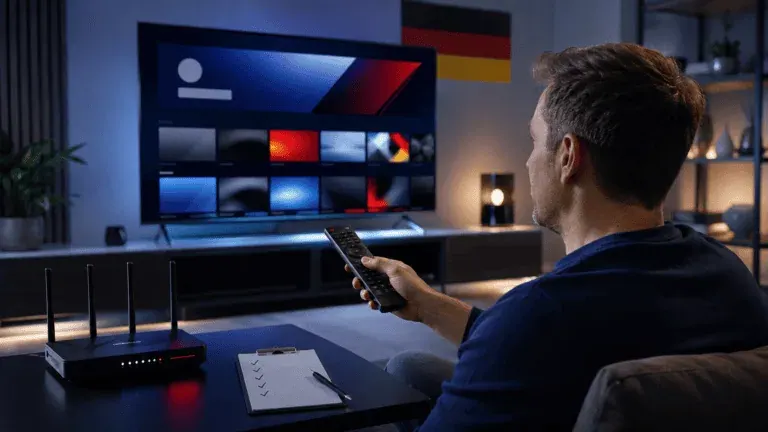
Fixes
4K IPTV buffering? The usual causes
Weak Wi-Fi
Move the router closer, use 5 GHz or run a cable.
Older device
Older sticks struggle with HEVC in 4K.
Wrong decoder
Enable the hardware decoder in the app – see TiviMate.
Others on the network
Pause downloads. More on fixing buffering.
Questions & answers
Questions about 4K IPTV
Is everything really in 4K with 4K IPTV?
How fast does my internet need to be for 4K IPTV?
Which device is best for 4K?
Do I need a special HDMI cable?
Does 4K cost extra?
Still have a question?
Is your setup ready for 4K?
Send us your device and speed result – we will tell you honestly whether 4K will run smoothly.