
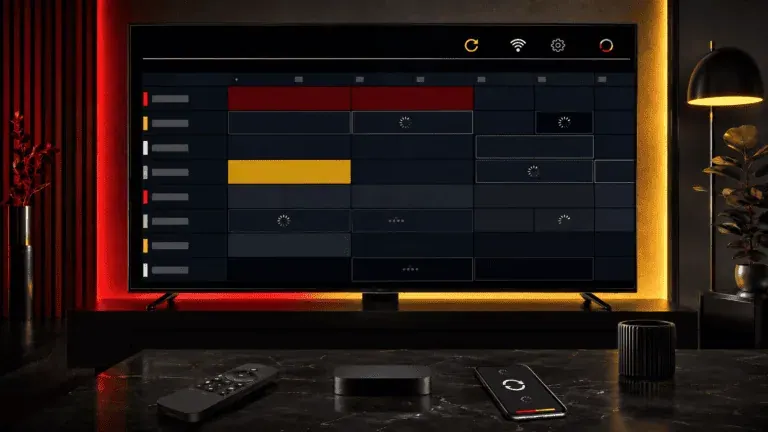
Formuler IPTV: Step-by-Step Setup with MyTVOnline 3
Formuler boxes are built for IPTV. With MyTVOnline 3 you set up Formuler IPTV through a portal – here is how to do it with Xtream Codes or M3U, programme guide included.
Formuler IPTV
Formuler IPTV: the box built for IPTV
Formuler boxes are designed for IPTV. With the pre-installed MyTVOnline app, a LAN port and 4K support, Formuler IPTV is one of the most stable living-room setups.
- Formuler Z series (e.g. Z11 Pro)
- MyTVOnline pre-installed
- LAN port for a stable picture

Step by step
How to set up Formuler IPTV with MyTVOnline 3
Labels may vary slightly depending on firmware.
Connect and update the box
Connect the box to your router with a LAN cable and check the settings for a firmware update.Open MyTVOnline 3
Launch MyTVOnline 3 from the home screen. On first launch you will see the portal overview.Add a portal
Choose “Add Portal” and give it any name, for example “Deutsche IPTV 4K”.Enter your login
Select “Xtream Codes” as the type and enter the server URL, username and password from our message. Alternatively, choose “M3U” and paste the playlist link.Load the portal and enable the EPG
Save, open the portal and wait while categories and programme data load. Formuler IPTV is now ready.
Troubleshooting
Formuler IPTV: tips from experience
Portal or Xtream Codes
MyTVOnline supports both – we will tell you which suits you.
Programme guide
The EPG loads automatically but can be refreshed manually in the settings.
Always use the cable
The box has a LAN port – use it for 4K.
Other apps
Thanks to Android, TiviMate and other players run too.
Keep reading
More guides
Questions & answers
Questions about Formuler IPTV
Do I need an extra app for Formuler IPTV?
Which Formuler model do you recommend?
Can I use TiviMate on a Formuler box?
Does Formuler support 4K?
Why does the guide show the wrong time?
Stuck somewhere?
Get your Formuler box ready
Tell us the model – we will send the right login and help.