

Football Night with Friends: How to Prepare Your TV and Living Room
Friends invited, snacks ready – and then the picture freezes? With this preparation, your football night with friends runs smoothly on the technical side.
A football night with friends is something special: everyone on the sofa, snacks on the table, tension rising. All the more annoying when the picture freezes right at the decisive attack. The good news: most problems can be avoided with a little preparation. Here are our tips so the technology works and you can concentrate on the match.
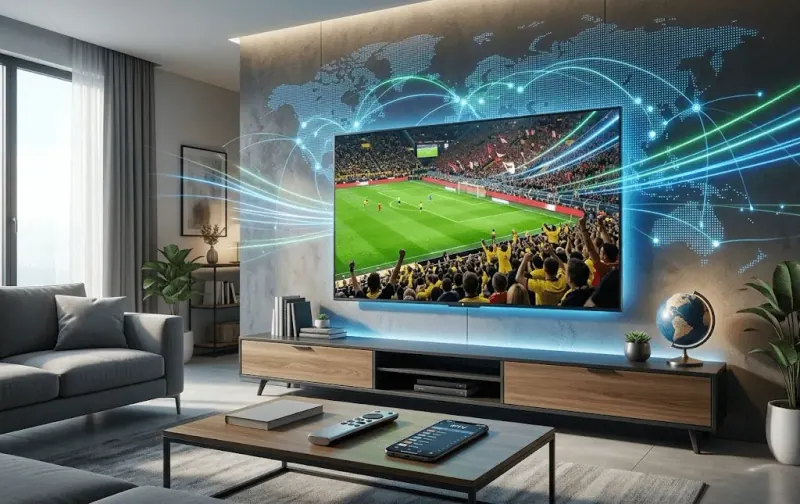
Preparing the technology for a football night with friends
Test the day before
Switch on the TV and device once at the same time the day before. That way you notice early if something is wrong and have time to fix it.
Install updates beforehand
Nothing is more annoying than an update that wants to install five minutes before kick-off. Install updates for the TV, stick and app in the morning.
Cable instead of Wi-Fi
With a LAN cable, the connection is much more stable. Especially when guests are on the Wi-Fi with their phones, things can otherwise get tight. More on IPTV internet speed.
Use guest Wi-Fi
Many routers offer a separate guest network. If you activate it, your guests’ phones use that – and your TV has priority on the main network.
Restart the router
A restart an hour before kick-off clears the router’s memory and prevents small dropouts.
Optimising picture and sound
Sports picture mode
Many TVs have a dedicated sports mode with a little more brightness. Try it – and switch motion smoothing on and off as a test.
Sound through a soundbar
A soundbar brings stadium atmosphere into the living room. If the sound lags behind the picture, the audio delay setting in the app or lip-sync on the TV helps.
Preparing the living room
Seats and viewing angle
TVs often look paler from the side. Arrange the seats so that as many people as possible look straight at the screen.
Dim the lights, do not switch them off
Soft light behind the TV is easier on the eyes and makes the picture look more contrasty than total darkness.
The match-day checklist
- In the morning: updates for TV, stick and app.
- One hour before: restart the router and device.
- Activate guest Wi-Fi.
- Prepare favourites in the app so you find the right channel instantly.
- Pause large downloads in the household.
- Put the drinks in the fridge.
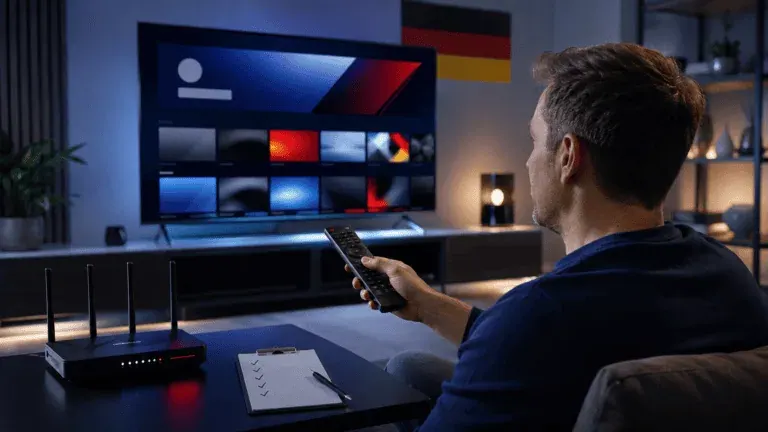
If it still stutters
Stay calm: first close and reopen the app, then check whether someone is downloading large files. If that does not help, switch the player in the app. Detailed tips are in our guide to fixing IPTV buffering and on IPTV sports.
Snacks, drinks and the right atmosphere
Technology is one thing, atmosphere another. A football night with friends depends on nobody having to get up during the exciting minutes. Keep drinks within reach, prepare the snacks before kick-off and agree who fetches more at half-time. Small things, but they make the evening more relaxed for everyone – including the host.
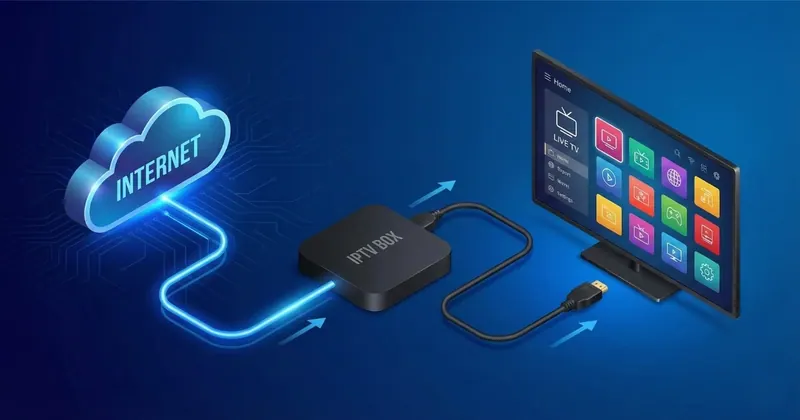
When lots of guests come
With bigger groups, the living room quickly gets crowded. Consider whether a second screen makes sense – a projector on the wall, for example. Remember that your IPTV plan is designed for one device at a time; a projector connected to the same stick works fine, a second stream on another device does not.
Plan B for emergencies
Even with the best preparation, something can go wrong: an outage at your internet provider, a crashed router, a flat battery in the remote. A small plan B takes the stress away:
- Keep spare batteries for the remote at hand.
- Know where the router is and how to restart it.
- Know how to use your phone’s mobile hotspot as an emergency option.
- Have the login ready in case the app needs to be set up again.

Keep an eye on the delay
Every broadcast over the internet runs a few seconds behind the live action. If your neighbour cheers before the goal happens on your screen, that is why. Ask your guests to mute push notifications from sports apps during the match – otherwise their phones will spoil the goal before you see it. Before your next big match, it is also worth checking your line with Speedtest by Ookla.
The three most common fixes
If something goes wrong shortly before kick-off, the fix is almost always one of three: restart the router, connect the stick by cable, or ask the guest with the big download to pause it. Do that beforehand and you will enjoy the evening far more.

Verdict
A successful football night with friends does not start at kick-off. With a little preparation the day before and a stable connection, the technology works as it should – and you will not miss a single goal. If you have questions about your setup, message us on WhatsApp, and our plans are on IPTV prices.
More articles

Using IPTV When Travelling: Holiday Homes, Hotels and Campervans
IPTV when travelling: how to take your TV with you to a holiday flat, a hotel or a campervan – with tips on devices, internet, hotel Wi-Fi and mobile data.
Renew Your IPTV Subscription: The Checklist So Nothing Stops
Is your IPTV plan about to end? With this checklist you renew your IPTV subscription in time, keep your settings and avoid a black screen.
Fire TV Stick vs Android TV Box for IPTV: An Honest Comparison
Fire TV Stick vs Android TV box – which is the better device for IPTV? A practical comparison of performance, apps, ease of use, connections and cost.