
Fire TV Stick vs Android TV Box for IPTV: An Honest Comparison
Fire TV Stick vs Android TV box – which is the better device for IPTV? A practical comparison of performance, apps, ease of use, connections and cost.
Fire TV Stick vs Android TV box: it is one of the most common questions people ask before starting with IPTV – especially if the TV is a few years old or its built-in apps are disappointing. Both types of device turn any TV with an HDMI port into a fully fledged IPTV device. In the detail, though, there are differences you will notice day to day. In this comparison we go through the seven points that matter most and finish with a clear recommendation for typical situations.
A quick explanation: what is what?
The Fire TV Stick is Amazon’s streaming stick that plugs straight into an HDMI port. It runs Fire OS, an Android-based system with its own interface and app store. The Fire TV Stick 4K and the more powerful Fire TV Stick 4K Max are especially popular.
An Android TV box is a small device that connects to the TV by HDMI cable and runs Android TV or Google TV. They come from many manufacturers, at every price and in very different quality. Formuler boxes, designed specifically for IPTV, belong in this group too.
1. App choice and installation
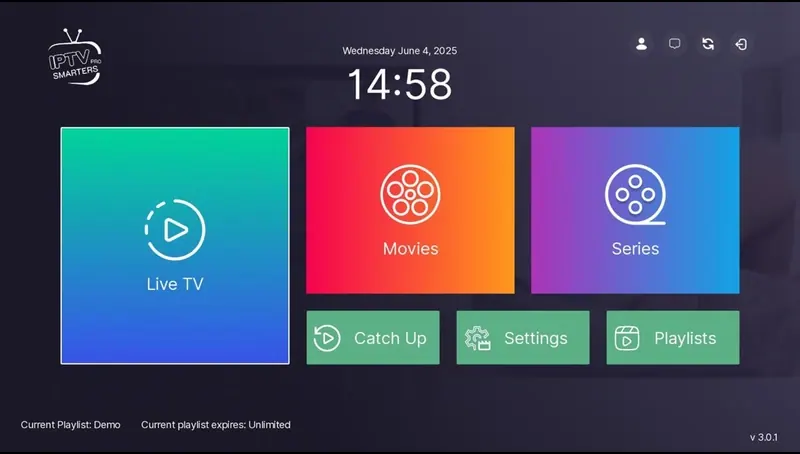
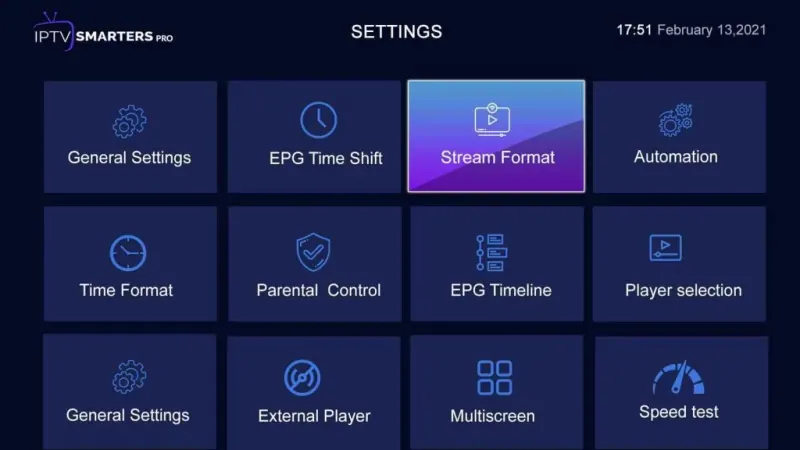
On an Android TV box with official Android TV, most IPTV players come straight from the Google Play Store: TiviMate, IPTV Smarters Pro, IBO Player and many more. That is convenient and safe. On a Fire TV Stick, some of these apps are not in the Amazon Appstore, so they are installed from the developer’s website using the Downloader app, after unlocking developer options. That works reliably, but it is an extra step. Our guide to IPTV on Fire Stick shows exactly how.
Point to: the Android TV box – as long as it has official Android TV and the Play Store.
2. Everyday performance
For IPTV, what matters most is how smoothly menus, channel switching and the programme guide run. The Fire TV Stick 4K Max is very strong here and hard to beat for the price. With Android TV boxes the range is huge: good devices are at least as fast, while very cheap no-name boxes are often sluggish, poorly cooled and stuck on old software. A simple rule of thumb: choose a well-known box with official Android TV over one with impressive numbers on the packaging.
Point to: a draw – the Fire TV Stick 4K Max is dependable; with boxes, it depends on the model.
3. Connection: Wi-Fi and LAN
A stable picture starts with the connection. Many Android TV boxes have a built-in LAN port – a clear advantage for 4K and live sport. With a Fire TV Stick you need a separate Ethernet adapter, bought on top. On Wi-Fi, the Fire TV Stick 4K Max performs very well thanks to modern Wi-Fi support. Why a cable is still almost always best is explained on our IPTV internet speed page.
Point to: an Android TV box with a LAN port.
4. Picture quality and 4K
Both can output 4K and HEVC – provided you pick the right model. With Fire TV it should be at least the Fire TV Stick 4K. With Android TV boxes, check for automatic frame-rate matching, which TiviMate uses for smoother camera pans. Important for both: 4K only applies to content offered in 4K, and it needs around 25 Mbit/s of stable bandwidth. More on 4K IPTV.
Point to: a draw.
5. Ease of use and the remote
The Fire TV Stick remote is small, well thought out and, via HDMI-CEC, controls your TV’s volume too. It has no number buttons, though. Many Android TV boxes come with similar remotes; some – Formuler, for instance – have classic remotes with number and colour buttons. If you like to jump to a channel by number, you will appreciate that.
Point to: personal taste – convenience with Fire TV, a classic TV feel with boxes like Formuler.
6. Updates and longevity
Amazon updates its current Fire TV Sticks regularly. With Android TV boxes it depends heavily on the manufacturer: branded devices get updates for years, many cheap boxes never do. For a device you use daily, that matters – outdated software eventually means current app versions no longer run.
Point to: Fire TV Stick over cheap boxes; level with branded devices.
7. Price
The Fire TV Stick is usually the cheapest way to make a TV IPTV-ready, especially during sales. Good Android TV boxes generally cost more, and specialist devices such as Formuler considerably more. In return you often get LAN, more ports and a more traditional way of using it.
Point to: Fire TV Stick.

Fire TV Stick vs Android TV box: at a glance
| Criterion | Fire TV Stick (4K Max) | Android TV box (branded) |
|---|---|---|
| App installation | Partly via Downloader | Mostly straight from the Play Store |
| Performance | Very good | Good to very good, depending on model |
| LAN | Adapter only | Often built in |
| 4K / HEVC | Yes | Yes, depending on model |
| Remote | Compact, no number keys | Varies, some with number keys |
| Updates | Regular | Depends on the manufacturer |
| Price | Low | Medium to high |
Our recommendation for typical situations
“I just want to get started quickly and cheaply.”
The Fire TV Stick 4K Max. It is quick to set up, smooth and works with practically any TV. You install the app once via Downloader, and from then on everything runs as normal.
“I watch a lot of live sport and want maximum stability.”
An Android TV box with a built-in LAN port, or a Fire TV Stick with an Ethernet adapter. The cable is what counts, not the logo on the device. More tips on our IPTV sports page.
“I want something that feels like traditional TV.”
A Formuler box with MyTVOnline 3 and a proper remote. It costs more, but it is made for exactly this – see Formuler IPTV.
“My TV is new and already runs Android TV.”
Then you usually do not need an extra device at all. Install the app straight on the TV – our guide to IPTV on Android TV shows how.
Common myths when buying a device
“More memory on the box means more performance.” Not necessarily. Cheap boxes advertise big numbers but run outdated software on weak chips. A known brand with regular updates is almost always the better choice day to day.
“An 8K logo makes the picture better.” For IPTV, 8K is practically irrelevant. What matters is clean 4K output, HEVC support and a smooth app.
“The stick is to blame when it buffers.” Often it is the Wi-Fi. Before buying a new device, try a LAN cable or measure the speed right at the TV – with Speedtest by Ookla, for example. More in our guide to fixing IPTV buffering.
Fire TV Stick vs Android TV box for a second TV
For the bedroom, the guest room or a holiday flat, the Fire TV Stick is usually the most practical choice: small, affordable, quick to set up and easy to take with you. An Android TV box makes more sense as the main living-room device, where a LAN cable is available and you watch for hours every day. Many households combine both – with the same login, one device at a time.
Setting up your new device in ten minutes
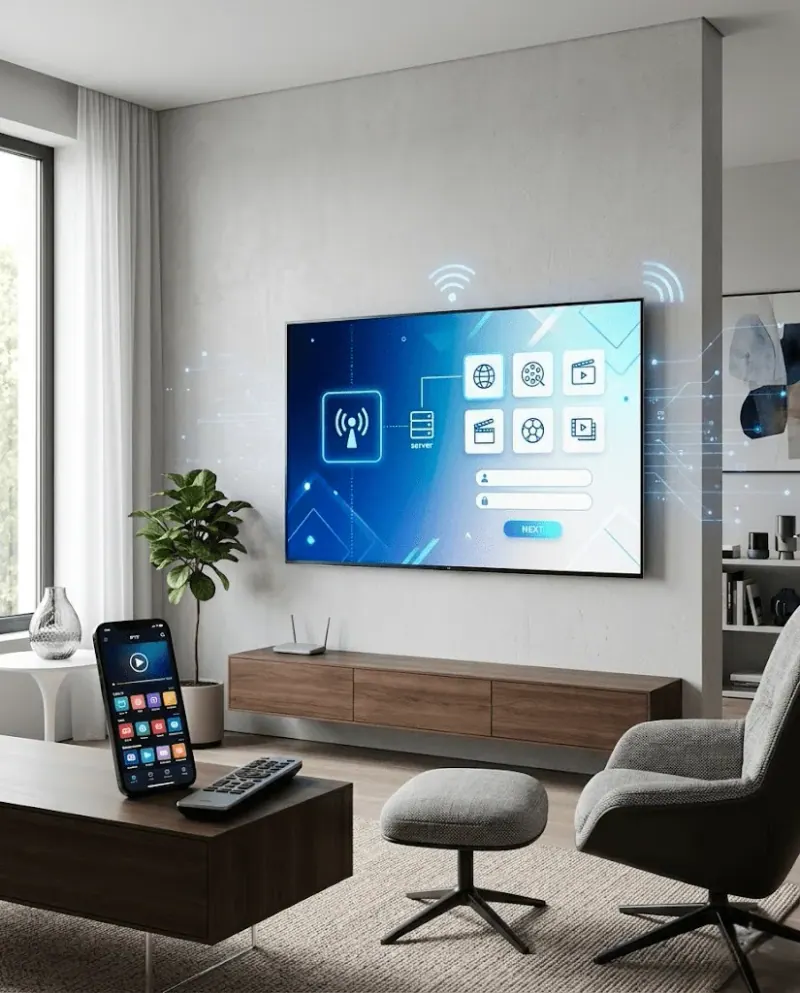
Whichever you choose in the Fire TV Stick vs Android TV box question, setup always follows the same pattern: connect and update the device, install the IPTV app, sign in with Xtream Codes, load the programme guide, add favourites. Our install IPTV overview shows each step. Allow around ten minutes the first time – after that, your TV is ready to go every evening.
The verdict: Fire TV Stick vs Android TV box
No single device is best for everyone. The Fire TV Stick 4K Max is the safe, affordable choice for most homes. A good Android TV box scores with the Play Store, a LAN port and sometimes a more classic feel. Steer clear of very cheap no-name boxes without official Android TV – they save money in the wrong place. Whichever you choose, your login from Deutsche IPTV 4K works on both, and we will help you set it up on WhatsApp. Plans are on IPTV prices.
More articles

Football Night with Friends: How to Prepare Your TV and Living Room
Friends invited, snacks ready – and then the picture freezes? With this preparation, your football night with friends runs smoothly on the technical side.
Using IPTV When Travelling: Holiday Homes, Hotels and Campervans
IPTV when travelling: how to take your TV with you to a holiday flat, a hotel or a campervan – with tips on devices, internet, hotel Wi-Fi and mobile data.
Renew Your IPTV Subscription: The Checklist So Nothing Stops
Is your IPTV plan about to end? With this checklist you renew your IPTV subscription in time, keep your settings and avoid a black screen.