

Using IPTV When Travelling: Holiday Homes, Hotels and Campervans
IPTV when travelling: how to take your TV with you to a holiday flat, a hotel or a campervan – with tips on devices, internet, hotel Wi-Fi and mobile data.
One of the biggest advantages of IPTV is that your TV is not tied to a cable socket or a satellite dish. It comes over the internet – and there is internet almost everywhere. Using IPTV when travelling is therefore surprisingly easy, whether in a holiday flat on the Baltic coast, a hotel in Vienna or a campervan by Lake Garda. To make sure it really works, a little preparation goes a long way. Here are our nine most useful tips.
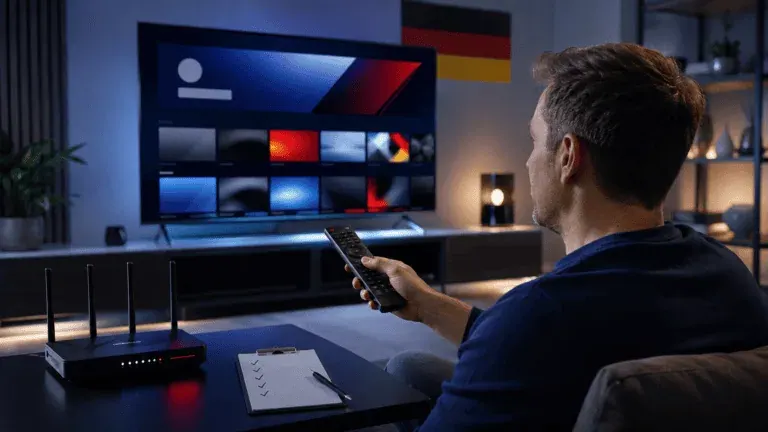
What you need for IPTV when travelling
Essentially the same as at home: a device with an IPTV app, your login and a stable internet connection. On the road, two questions get added: is there a TV with an HDMI port where you are staying, and how good is the internet there really? Your answers decide the right setup.
Tip 1: Pack the Fire TV Stick
The simplest way to get IPTV onto a big screen while away is a streaming stick. It weighs next to nothing, fits in any bag and works with almost any TV that has an HDMI port – in a holiday flat as well as a hotel room. Because the IPTV app is already set up, all you need to do on arrival is connect to the Wi-Fi. Pack the power adapter: the USB ports on many TVs do not supply enough power for stable operation. Our guide to IPTV on Fire Stick shows how to prepare it at home.
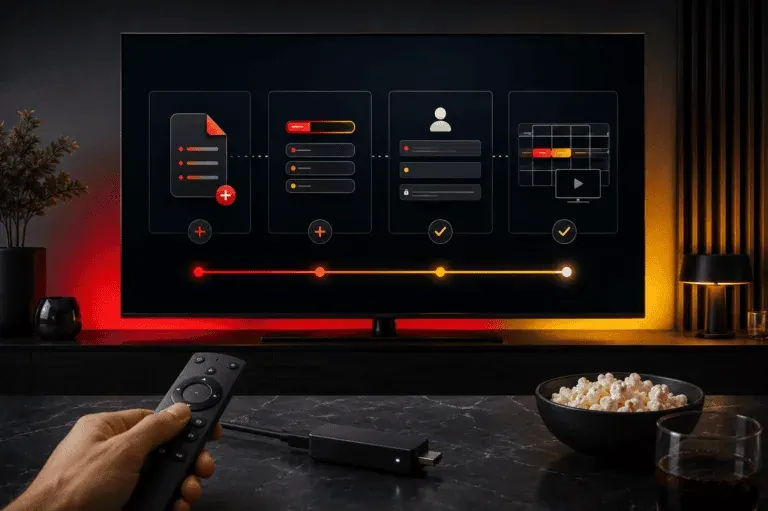
Tip 2: Phone and tablet as plan B
If there is no suitable TV, just watch on your tablet or phone. Install the app before you leave and sign in once, so you are not hunting for login details on the road. On Android, IPTV Smarters Pro works well; on iPhone and iPad, use a suitable app from the App Store – see IPTV on Apple TV, which also covers iPhone and iPad.
Tip 3: Be realistic about the local internet
Holiday lets love to advertise “fast Wi-Fi”. What that means only becomes clear when you arrive. Ask about the speed in advance, or run a speed test where the TV is as soon as you get there. For IPTV when travelling in HD, you want a stable 10 Mbit/s or so; for 4K, about 25 Mbit/s. More on the guide values on IPTV internet speed.

Tip 4: Hotel Wi-Fi and login pages
Many hotels use a login page where you enter your room number or a code. On TVs and streaming sticks that page is often awkward or impossible to open. Two solutions: some hotels will authorise your device if you ask. Or use a small travel router that signs in to the hotel Wi-Fi once and then creates its own network for your devices. Bear in mind that hotel Wi-Fi is often throttled or restricts streaming – for IPTV in hotels, that is the most common hurdle.
Tip 5: Mobile data as an alternative
If the Wi-Fi is too weak, a mobile hotspot can help – from your phone or a dedicated LTE/5G router. Keep an eye on your data allowance, though: an hour of HD uses several gigabytes. A football match in HD can eat a large chunk of a small data plan. If you watch on mobile data regularly, you need a plan with plenty of data or an unlimited one.

Tip 6: IPTV in a campervan
In a campervan, IPTV is especially handy because there is no satellite dish to align. The connection usually comes from a mobile router with an external antenna, which improves reception noticeably. Plan your power: TV, router and stick all draw energy, which comes from the leisure battery when you are off-grid. In dead zones – in the mountains or at remote pitches – having content downloaded on a tablet as a fallback makes sense.
Tip 7: Keep your login safe and to hand
Store your login somewhere safe, such as a password manager. If you need to set up a device again while away, you will have everything ready. Do not hand the details to travel companions who want to watch on their own devices: your plan is for one device at a time, and two devices playing at once will disrupt playback.
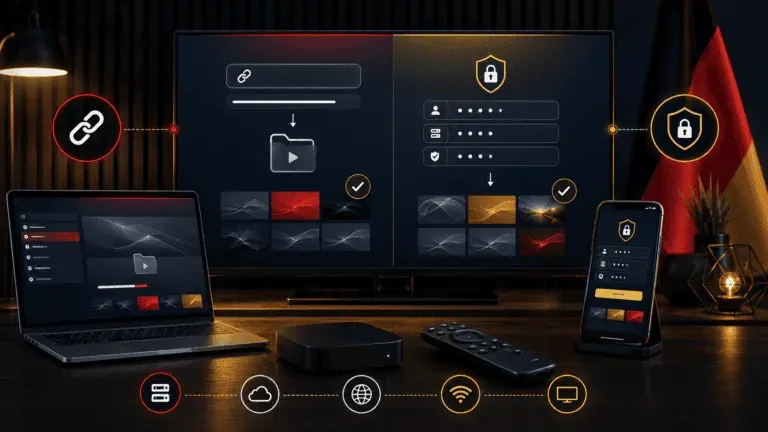
Tip 8: Easy within Germany, Austria and Switzerland
Germany, Austria or Switzerland: the service is not tied to any particular internet provider. Whether you are online via A1 in a holiday flat, Swisscom in a Swiss hotel or a German mobile network on the road, only the quality of the connection matters. When travelling outside the EU, remember roaming charges for mobile data as well.
Tip 9: Test before you leave
The best tip comes last: test your travel setup at home the day before you go. Stick or tablet on your home Wi-Fi, open the app, watch for a minute – and make sure the app and device are up to date. Downloading updates over slow holiday Wi-Fi is no fun. If something does go wrong on the road, our guides to fixing IPTV buffering and IPTV not working will help.
IPTV when travelling: campsites
Many campsites offer Wi-Fi, but often with limited bandwidth shared by every guest. In the evening, when everyone is online at once, it gets tight. For IPTV when travelling at a campsite, your own mobile router with an external antenna is usually more reliable than the site Wi-Fi. Ask about mobile reception at the pitch when you book – other campers’ reviews are often a good guide.
Choose picture quality deliberately
On the road it pays not to insist on maximum quality. A stable HD picture on the holiday-flat TV is more pleasant than a 4K picture that keeps reloading. If an app offers several quality levels, deliberately choose a lower one when the connection is tight – it saves mobile data too. How much bandwidth each quality needs is on our IPTV internet speed page, and coverage maps from your mobile operator or the Bundesnetzagentur (Germany’s regulator) help you check reception in advance.
Time zones and the programme guide
If you travel to a different time zone, the programme guide may suddenly look shifted. That comes from your device’s time setting. Within Germany, Austria and Switzerland it is not an issue, but further afield it can be. Adjust the EPG time offset in the app – our IPTV EPG page explains how.
Checklist: IPTV when travelling
- Fire TV Stick with power adapter and remote (or a tablet/phone with the app)
- Login details stored safely
- App and device updated before departure
- Optional: a travel router for hotel Wi-Fi
- Optional: a mobile router with enough data
- A quick speed test on arrival

The bottom line
Using IPTV when travelling is easier than many people think. With a small stick in your luggage, apps prepared in advance and a realistic view of the local internet, you can take your usual TV almost anywhere. No plan yet? Lengths and prices are on IPTV prices – and if you have questions about setting things up for a trip, we are happy to help on WhatsApp.
More articles
Football Night with Friends: How to Prepare Your TV and Living Room
Friends invited, snacks ready – and then the picture freezes? With this preparation, your football night with friends runs smoothly on the technical side.
Renew Your IPTV Subscription: The Checklist So Nothing Stops
Is your IPTV plan about to end? With this checklist you renew your IPTV subscription in time, keep your settings and avoid a black screen.
Fire TV Stick vs Android TV Box for IPTV: An Honest Comparison
Fire TV Stick vs Android TV box – which is the better device for IPTV? A practical comparison of performance, apps, ease of use, connections and cost.