
IPTV on Multiple TVs: How to Organise Your Household
Living room, bedroom, children’s room: how to use IPTV on multiple TVs sensibly – with practical solutions for families, flatshares and second homes.
Many households have more than one TV. In the evening a film runs in the living room, the news may be on in the bedroom, and the children watch on a tablet. If you want to use IPTV on multiple TVs, you need a little organisation – because our plans are designed for one device at a time. In this article we explain what that means in practice and which solutions work well for families, flatshares and second homes.

What “one device at a time” means day to day
You can save your login on as many devices as you like: the living-room TV, a stick in the bedroom, a tablet, a phone. But you watch on one of them at a time. If the stream is already running in the living room and someone starts it in the bedroom, the second device shows an error or the first one stops. That is not a fault – it is how the plan works.
IPTV on multiple TVs: six practical solutions
Choose a main device
The living-room TV is the main device. All others are “second devices” for times when nobody is watching in the living room.
Agree on the rules
It sounds obvious, but it works: whoever uses the big TV in the evening has priority. During the day, everyone can watch where they like.
Use broadcaster apps alongside
For series and news on a second device, the free media libraries of the broadcasters are often enough. That keeps the IPTV login free for the main device.
Close playback properly
Do not just switch off the TV – close the app too. Some devices keep the connection open in standby.
Same app on every device
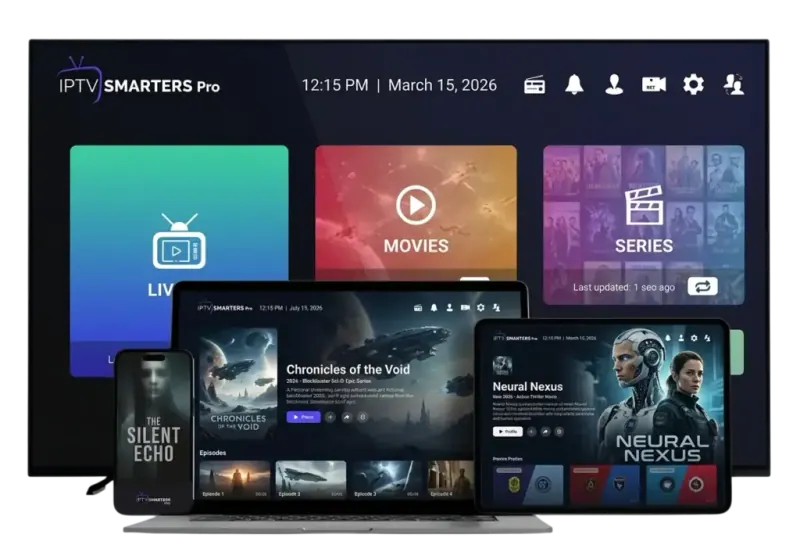
If you use IPTV Smarters Pro everywhere, you will find your way around every device instantly. More in our guide to IPTV Smarters Pro.
A second login if needed
If two TVs really need to run at the same time regularly, message us on WhatsApp before ordering, and we will find a suitable solution together.
Setting up the second devices
- Install the same IPTV app on every device.
- Enter the same login everywhere, ideally via Xtream Codes.
- Create favourites on each device – they are saved per device.
- Enable the programme guide so everyone can see what is on.
- Check that the Wi-Fi in each room is strong enough.
Typical questions from families
Do the children need their own login? Not necessarily, if you agree on times. A PIN-based parental lock in the app is still a good idea.
Does IPTV work in the guest room? Yes, as long as the Wi-Fi reaches it and there is a device with the app.
What about a flatshare? In a shared flat (WG), everyone tends to watch separately – separate logins make more sense there than rules.
Planning the home network for several rooms
If you use IPTV on multiple TVs, every room needs enough signal. That is often the underestimated part. Next to the router everything runs smoothly; in the bedroom at the other end of the flat, it stutters. Measure the speed in every room where you want to watch, ideally in the evening.
If a room is poorly covered, a mesh satellite or powerline adapter helps. A network cable is the most stable – at least for the main TV it is almost always worth it. Our article on IPTV internet speed explains the guide values.
Which device for which room?
Living room
This is where the best device pays off: a Fire TV Stick 4K Max, an Android TV box or an Apple TV, ideally connected by LAN. On a large TV you see the difference from basic devices most clearly.
Bedroom
For a smaller TV, a simple stick or the app on the smart TV is often enough. A sleep timer in the app is handy here.
Children’s room
A tablet with an IPTV app is flexible and can be secured with a PIN and profiles.
Kitchen and balcony
A phone or tablet is usually the best solution – no extra TV needed.
A weekly routine that works for many families
An example of how it can look: a family uses one IPTV login for three devices. On weekdays the parents watch in the living room in the evening, and the child uses the tablet for series in the afternoon. At the weekend the football match in the living room has priority, and anyone who wants to watch something else uses a broadcaster app. It sounds like a lot of organisation, but it usually settles down quickly.
When a second login makes more sense
- Two people regularly watch at the same time in different rooms.
- Flatmates have very different habits.
- Grandparents in the same house want to watch independently.
In such cases, talk to us before ordering. We will tell you honestly what makes sense for your household. For independent advice on screen time and media at home, klicksafe is a good starting point.
Our verdict
IPTV on multiple TVs works well when it is clear which device has priority. For most families, one login plus a few agreements is all it takes. Setup help for every device type is in our guide to install IPTV, and the plans are on IPTV prices.
More articles

Football Night with Friends: How to Prepare Your TV and Living Room
Friends invited, snacks ready – and then the picture freezes? With this preparation, your football night with friends runs smoothly on the technical side.

Using IPTV When Travelling: Holiday Homes, Hotels and Campervans
IPTV when travelling: how to take your TV with you to a holiday flat, a hotel or a campervan – with tips on devices, internet, hotel Wi-Fi and mobile data.
Renew Your IPTV Subscription: The Checklist So Nothing Stops
Is your IPTV plan about to end? With this checklist you renew your IPTV subscription in time, keep your settings and avoid a black screen.