
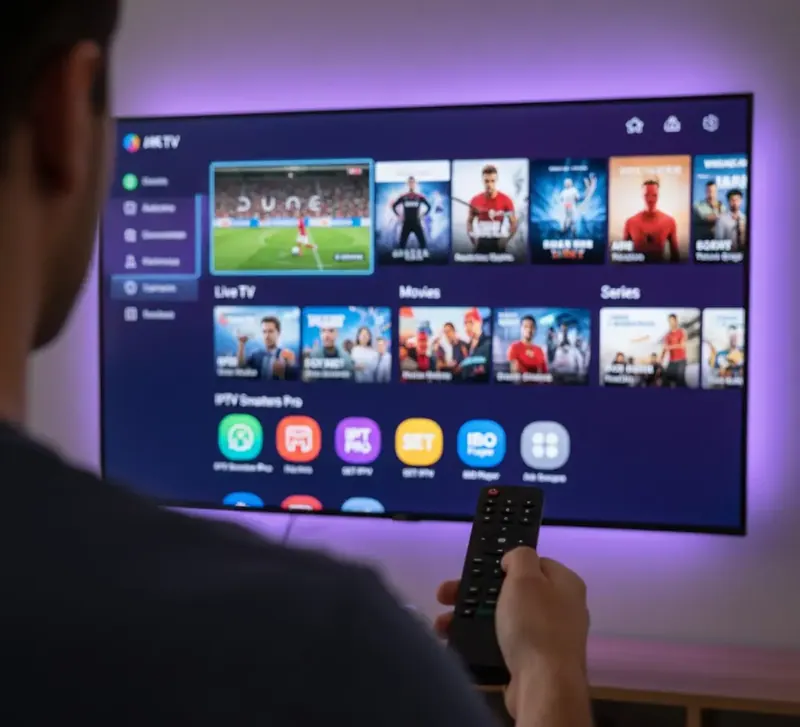
IPTV for Seniors: How to Set It Up for Parents and Grandparents
Setting up IPTV for your parents or grandparents? With the right device and a few settings, TV becomes as simple as it used to be – here is how.
Many messages we receive on WhatsApp start like this: “I want to set this up for my mother.” IPTV for seniors is less about technology and more about patience and good preparation. The good news: once everything is set up properly, people with no interest in technology happily switch on and watch – often more easily than with their old receiver. Here is how to do it.
Why IPTV for seniors can work well
For older people, one thing matters most: the TV should switch on and the usual programme should play. IPTV can do exactly that if you set it up the right way. Modern apps can open straight on the last channel watched, the programme guide looks like a TV magazine, and favourites keep the list short. The trick is to hide everything that is not needed.
Choosing the right device
Fire TV Stick
A Fire TV Stick has a small, clear remote and switches the TV on too, via HDMI-CEC. For many seniors this is the simplest option because only one remote is needed. See our Fire Stick guide.
Formuler box
Anyone used to a classic remote with number keys gets on particularly well with a Formuler box. Choosing a channel by number works just like before. Details on Formuler IPTV.
An app directly on the smart TV
If the TV is recent, an app on the TV itself is often enough. Everything stays on one remote, and there is no extra input that can be switched by mistake.
Nine settings that make life easier
- Autostart: set the IPTV app to start automatically when the device is switched on.
- Open the last channel: in TiviMate you can choose to start on the last channel watched.
- Create a favourites list: only the ten to fifteen channels that are really watched, in the familiar order.
- Hide other groups: anything not needed disappears from the list.
- Larger text: many apps and systems allow bigger menus.
- Enable the programme guide: so it works like a TV magazine. Help is on IPTV EPG.
- Automatic updates: so nobody has to confirm updates on site.
- Use a LAN cable: fewer dropouts means fewer phone calls.
- Picture mode: a natural mode such as “Movie” is more pleasant than “Dynamic”.
Write a cheat sheet
A proven trick: write a small card with three steps and put it next to the remote. For example: “1. Press the red button. 2. Wait for the picture. 3. Use the arrow keys to change channel.” It sounds simple, but it removes a lot of uncertainty.
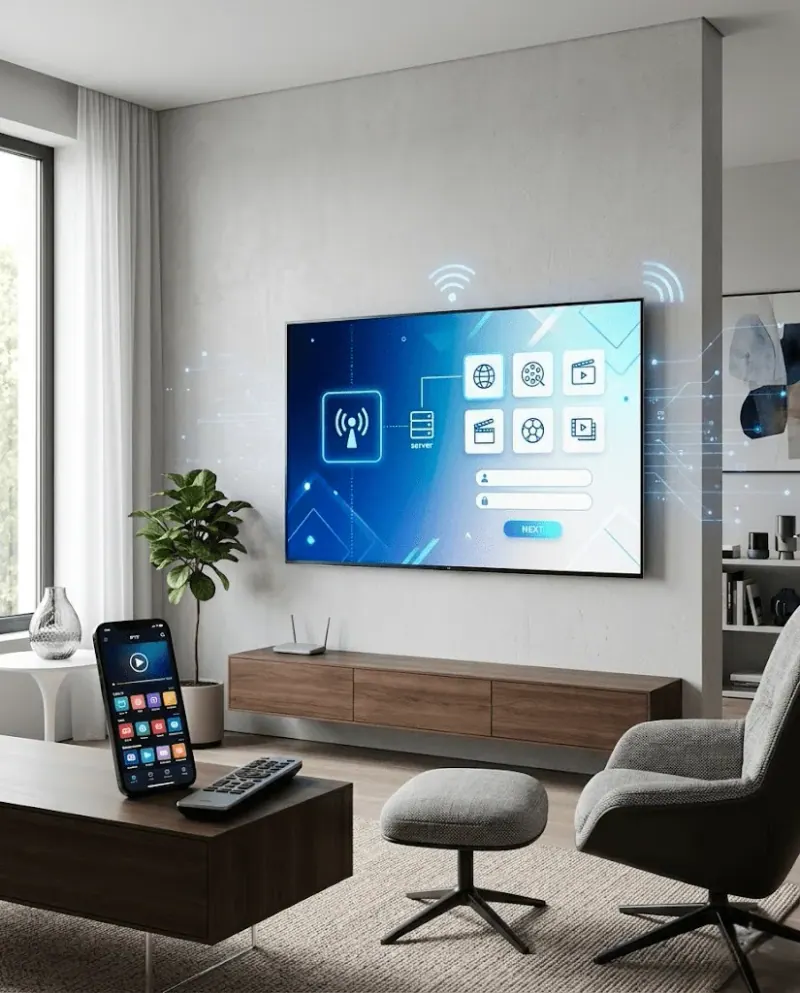
What to do if something does not work
- The first step is almost always: switch the TV and router off and on again.
- Keep the login details somewhere safe so you can help remotely.
- Many problems can be solved on a video call – ask to see the screen.
- For stubborn cases, see IPTV not working.
Step by step: setup day
Plan about two hours when you set it up at your parents’ home – not because it takes that long, but because you should try things out together. This order works well:
- At home, test the app on your own device first and get to know the menus.
- On site, check the internet connection at the TV.
- Connect the device, install the app, enter the login.
- Pick the favourite channels together and save them.
- Hide all other groups.
- Go through the routine three times together: switch on, change channel, switch off.
- Write the cheat sheet and leave it next to the remote.
The right remote makes a big difference
For many older people, the remote is the real sticking point. Small buttons, double functions and two devices that interfere with each other cause frustration. Make sure only one remote is in play wherever possible. With a Fire TV Stick, the TV volume can be controlled via HDMI-CEC, so the TV’s own remote can go in a drawer.
Helping from a distance
Not everyone lives around the corner – and many families in Germany have parents in another city or country. A few precautions help:
- Note down the TV model, the device and the app in use.
- Store the login safely, for example in a password manager.
- Practise a video call with the camera pointed at the TV.
- Agree on a simple code word, such as “restart” for off and on again.
Habits matter more than technology
A typical scenario: in the first week, a father calls every evening because he cannot find “his” channel. The fix is usually simple – cut the favourites list to around eight channels and put them in the same order as on the old cable TV. That shows what IPTV for seniors is really about: habits, not technology.
What speed is enough?
Older people usually watch on one TV. For an HD picture, around 10 Mbit/s that arrives reliably is enough. Measure at the TV itself, because Wi-Fi in the living room is often weaker than next to the router. How to measure properly is explained on IPTV internet speed. A good independent overview of digital life for older people is offered by BAGSO, the German national association of senior citizens’ organisations.
Our verdict on IPTV for seniors
IPTV for seniors works when you set it up thoroughly once and hide everything that is not needed. After that, it is often easier to use than the old receiver. We are happy to help on WhatsApp – in English or German, even if you are ordering for someone else. The plans, paid once, are on IPTV prices.
More articles

Football Night with Friends: How to Prepare Your TV and Living Room
Friends invited, snacks ready – and then the picture freezes? With this preparation, your football night with friends runs smoothly on the technical side.
Using IPTV When Travelling: Holiday Homes, Hotels and Campervans
IPTV when travelling: how to take your TV with you to a holiday flat, a hotel or a campervan – with tips on devices, internet, hotel Wi-Fi and mobile data.
Renew Your IPTV Subscription: The Checklist So Nothing Stops
Is your IPTV plan about to end? With this checklist you renew your IPTV subscription in time, keep your settings and avoid a black screen.